For Windows 8.1, everything is different
From Skype to logout in Windows 8.1 is no longer possible if one has logged in with a Microsoft account. Going into the settings to his profile and wants to log out so bans Skype with a friendly error message.
Skype prohibits the logout at a Microsoft account
That sounds daunting at first glance. Will Microsoft thereby forcing us to "Always On" to the spread of his Messengers to strengthen to arrive to WhatsApp and Hangout?
It really works: Skype log off Windows 8.1
There is still a way to happiness. The solution is to be active in the concept of apps in the background. An app can thus for example, indicate new messages. This is what makes Skype also. It remains active, if someone sends me a message I get the displayed directly. This, however, the program also consumes resources that I might not want to use it.After all, can the change. Developing the attitude of hiding under the permissions when keyword blocking screen. Here you can instruct Skype also completely quit.
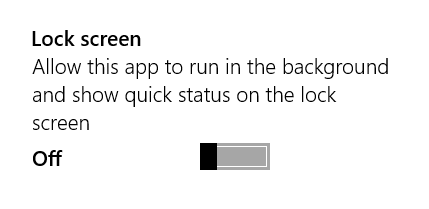
Skype remains active by default, even if you have the app really ended.


0 comments:
Post a Comment